Every other inventory app wants you tidy first: sort it, name a category, tag it, keep it current forever. This one asks for one photo. Toss the thing into whatever box is nearest, snap it, and the app writes down what it is and where it went.
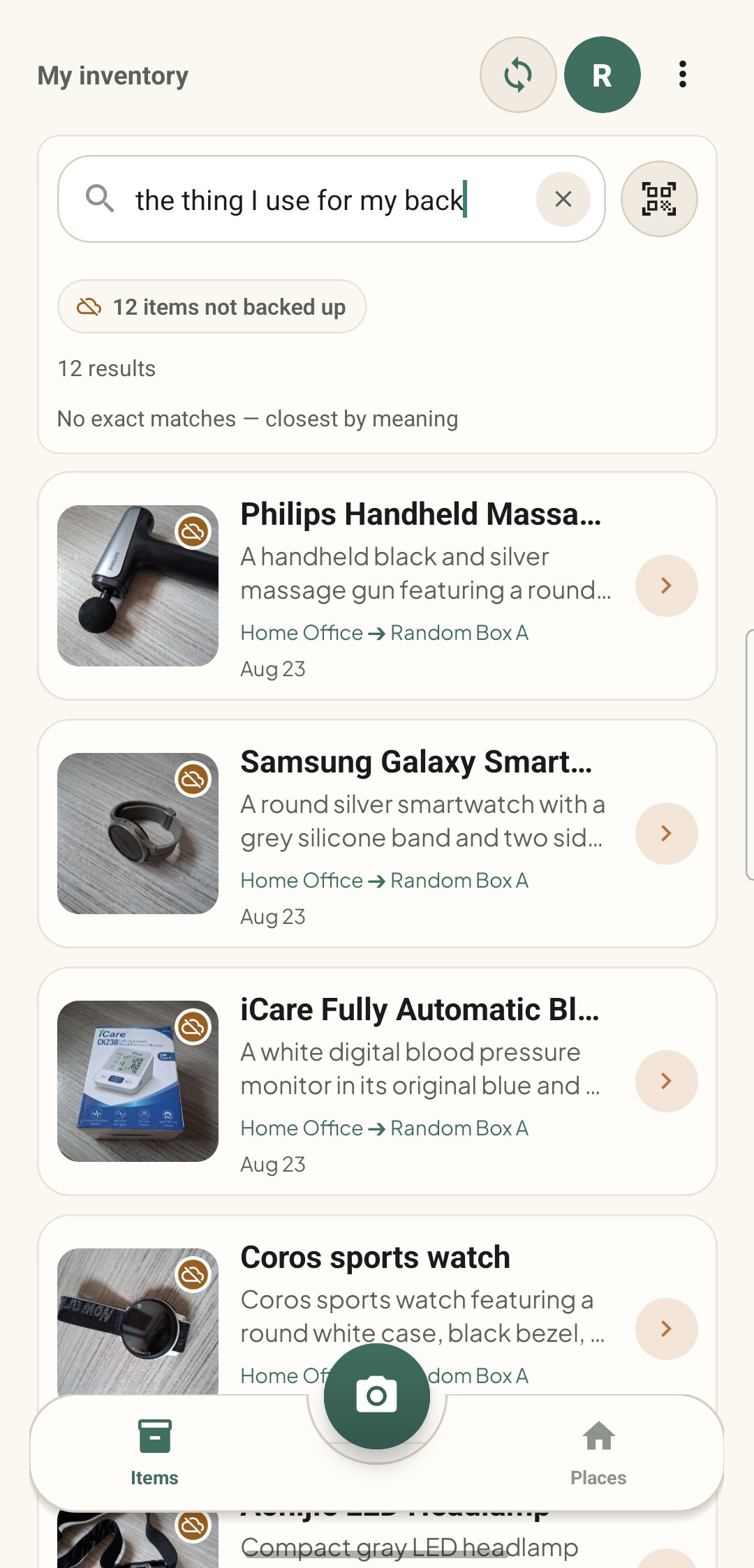
Months later you type what you half remember, and it names the box.

Design a category tree. Name every folder. Tag every item so search works. Print a label for the tag. Keep all of it current forever. Abandon the whole project in week three, with the garage half done.
The mess is allowed. Winter coats and a drill in the same crate is allowed. One photo per thing is the entire discipline, and the app carries the naming, the details and the remembering from there.
Any box, any shelf, any drawer, whichever is nearest. Nothing has to belong together and nothing has to be labelled first.
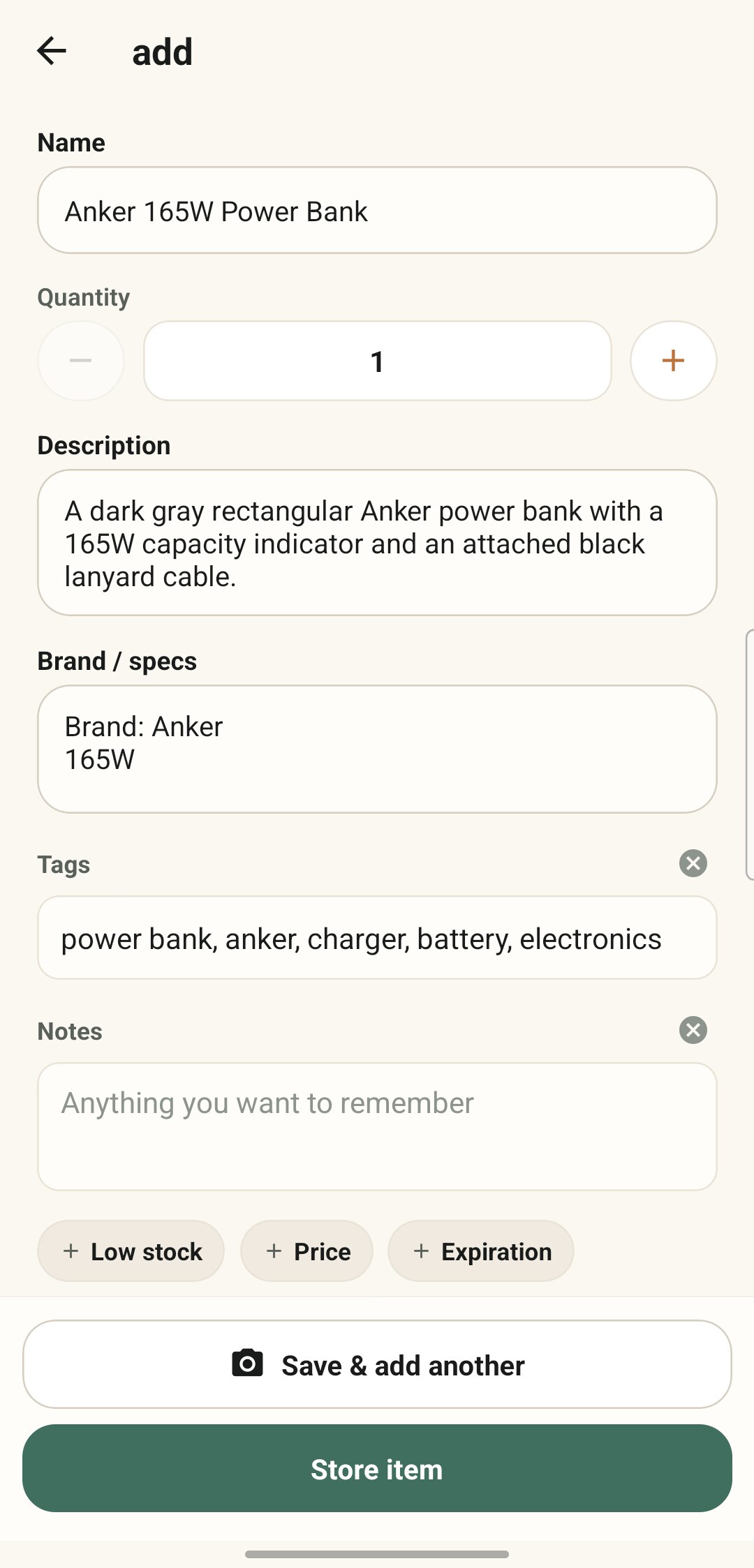
Smart Scan writes the name, brand, description, specs and tags. You pick the Spot it went into, and the app suggests which one based on what is already in each.
That is the job done. The next time you need the thing, type what you half remember and open exactly one box.
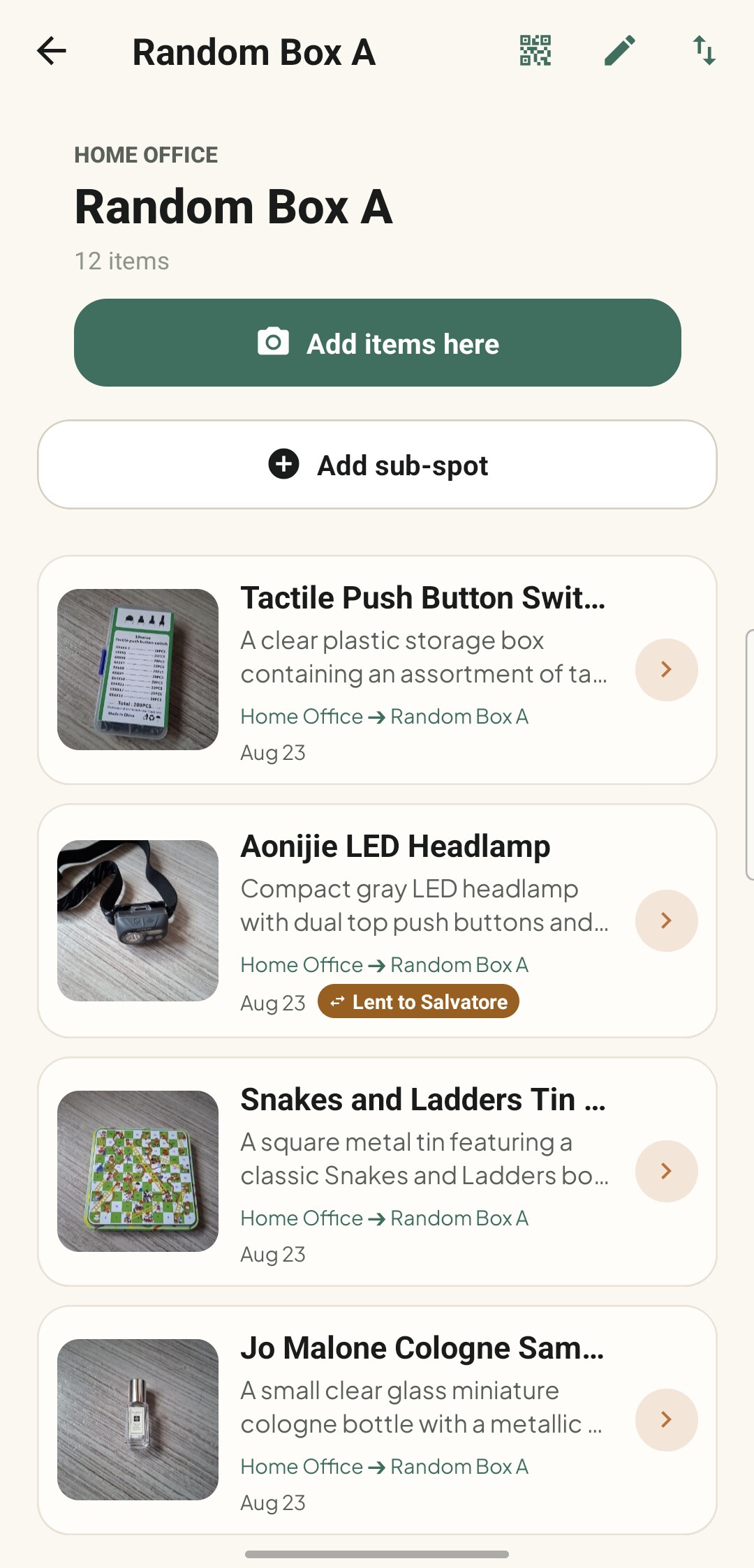
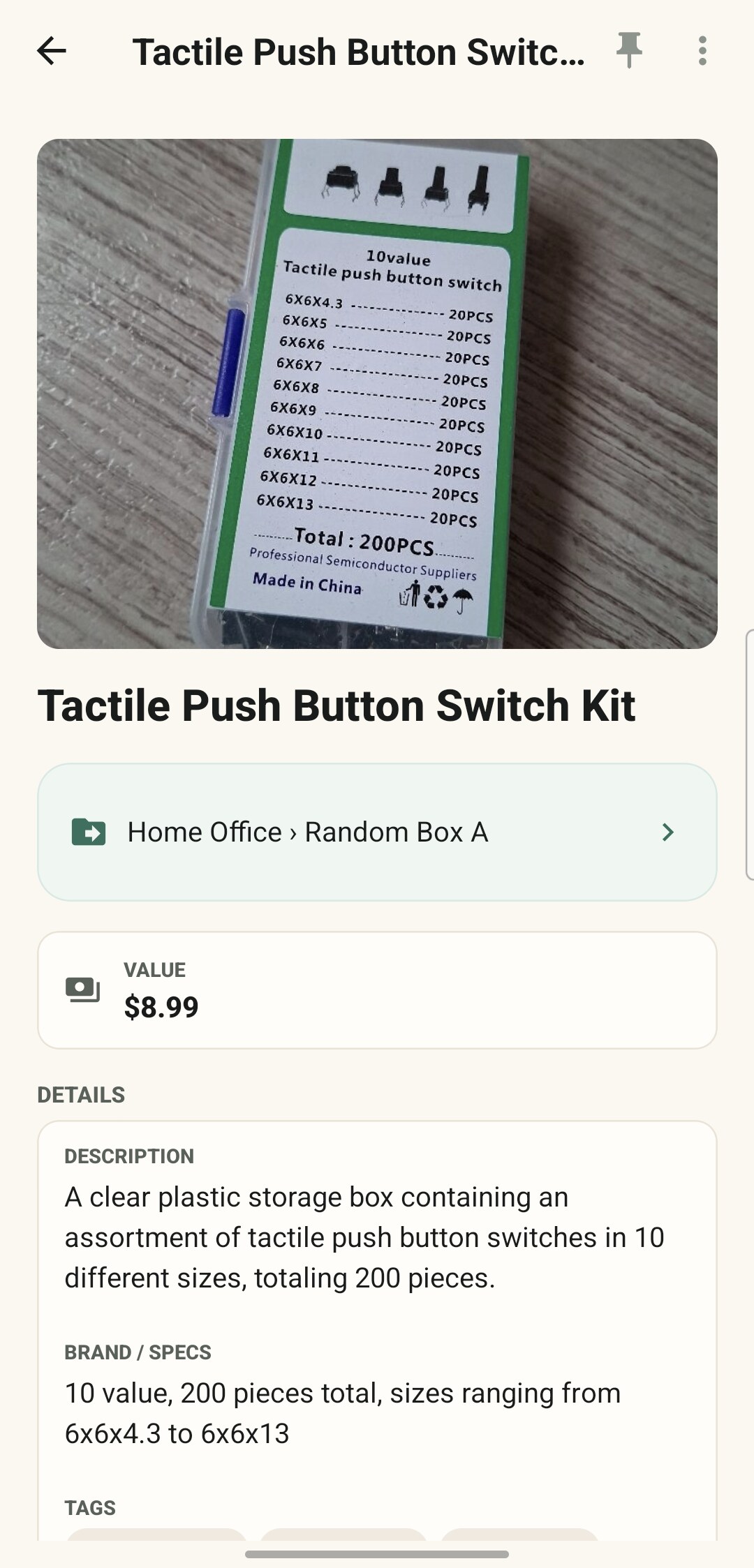
One thing on the counter, a whole box tipped out, or a shelf you want gone in ten minutes. Typing it yourself is always an option, and always free.
Snap a photo and the app writes the name, brand, description, specs and tags for you. You still choose the Spot, so it is not zero taps, just far fewer than typing it out.
Lay several things out, take one photo, and it drafts a row for each. Review the batch, then save it. One photo counts as one scan however many things are in frame.
Keep shooting and every photo becomes its own item, named in the background with no review step. Set a quantity per shot, or a category for the rest of the burst, without leaving the camera. The photo is saved first and named after, so a failed name never costs you the picture.
Included as standard. Accounts using their own AI key buy it as a one-time unlock.
A price tag, a receipt, a rating plate, a packet: the app reads the price, expiry date, warranty end or serial number off the photo and fills the field. Tick several and it reads them all off the one shot.
It reads those four fields off one photo. It does not transcribe a manual or import a receipt line by line.
A name and whatever detail you feel like typing. No photo, no AI, no account, no internet. You can also pull in photos you already took instead of shooting new ones, and rescan anything the AI read badly.
Enough structure to name a drawer, not enough to turn into a filing system you have to maintain. The Sub-spot level is optional: a Spot you never split behaves exactly as it did before.
Changed your mind later? Put a Spot inside another one to make it a Sub-spot, or lift a Sub-spot back out so it stands on its own. Everything inside it goes with it.
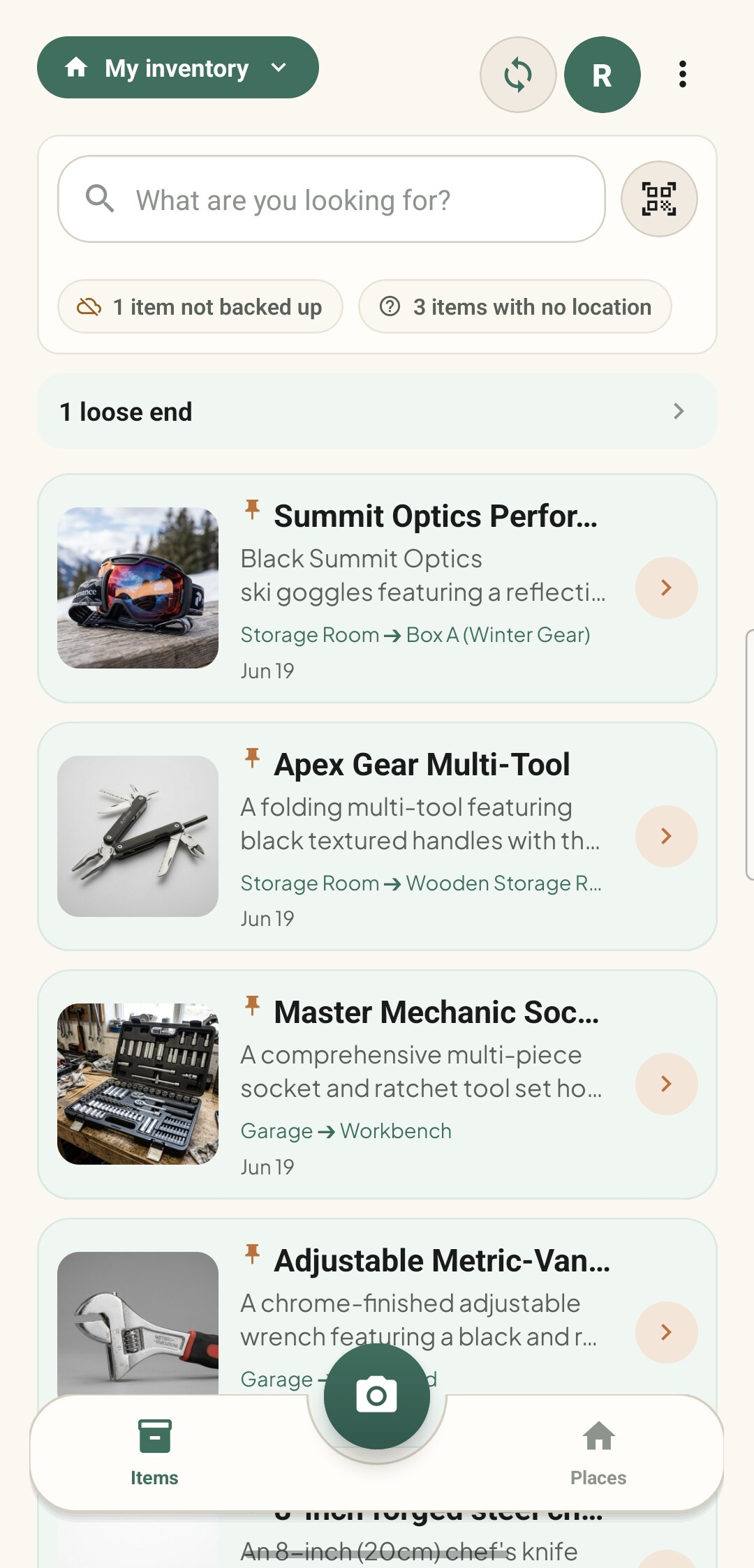
Quick Access pins keep the Spots you open constantly at the top of the Items screen.
Loose ends gathers everything still half-finished: a thing waiting for a name, a loan that is late, something expired, anything with no place yet.
Recently deleted holds a wrong tap for 30 days.
Garage
A room, a garage, a storage unit.
Metal cabinet
A cabinet, a shelf, a wardrobe.
Second drawer
Its own name, its own photo, its own QR label.
Cordless drill
Garage → Metal cabinet → Second drawer
And that is the floor. There is no fifth container, no folders and no unlimited nesting to get lost in.
Which is fine, because you do not have to. Type the word if you have it, describe the job if you do not, or scan the label on the box.
Type a word and it searches every item you have. Offline, instant, no account.
"Something to cut thick cardboard" finds the box cutter and names the box it is in. A search you tap, never a suggestion that pops up at you.
Print a label for any box or shelf, stick it on, then scan it from the Items screen to see inside without opening it. Split a box into drawers and one print run covers the box and every drawer.
A rough illustration of what Smart Find does inside the app, running against three made-up items. Tap a query.

Pick one of the queries, or type your own description of a tool, a cable or a charger.
Illustration only. In the app, Smart Find runs against your own inventory and needs a connection.
Your items, your places and your photos live in a database on your phone. We do not have them, there is no account to make, and nothing is uploaded for us to look at.
But three features call a cloud AI service, and putting the word "offline" next to them would be a lie. So, plainly:
Smart Scan
The photo you are scanning goes up so it can be described.
Smart Find
Each item's text (name, description, specs, tags, notes) goes up to build the index that lets you search by meaning. It is built when you save an item, whether you scanned it or typed it. Your photos never go up for this.
Reading a printed detail
The photo you point at a tag or a label goes up.
Everything else works with no connection and no account: adding, browsing, editing, keyword search, QR labels, lending, prices, expiry dates, attachments and your own fields.
No sign-up to start. Signing in with Google is what unlocks backup, sharing and a larger free scan allowance, and you can skip it indefinitely.
Optional, and it goes to a private folder in your own Google Drive. Your Drive, your account, your storage. Not our server.
Off unless you are signed in and opt in, and it counts which features get used. Never item names, photos or locations.
A shared inventory is encrypted end to end, so what we hold is sealed. One carve-out we would rather say ourselves: the inventory's name is stored as plain text.
The AI does not run on your phone. If you would rather it ran on your own account instead of ours, bring your own key.
Hang the details you actually care about on a thing. All of this is yours to type, costs nothing, and stays on the phone.
Put a price on anything and the app totals your inventory. Any currency, including one you add yourself.
Each currency totals on its own. It never converts. It totals what you typed, so it is a record, not an insurance valuation. Prices never travel into a shared inventory.
Give something a date and it flags it early: three days for everyday things, thirty for a document like a passport. Reminders arrive the morning of.
A local notification: no account, nothing leaves the phone. It tells you, and that is all. It never renews or reorders.
Receipts, warranties and manuals on the item itself. Photograph a multi-page document and it becomes one PDF, or attach a file you already have.
10 MB a file, 20 MB an item, 20 pages a PDF. It stores and shows your files; it does not read inside them.
Mark what you restock, say how few is too few, and whatever you are nearly out of collects in one Running low strip. A strip you glance at on the way out, not a shopping list. It orders nothing and notifies nobody.
Warranty, model number, whatever you care about: name a field once and reuse it across your inventory, managed from one screen. Up to 20 of your own names and 20 fields on any one item.
A break-in, a flood, a move, an estate to settle. What you catalogued for yourself becomes a document you can hand to somebody else.
Grouped by place, so it reads as a walk through the house. The short answer to what is in here.
Every field you filled in and a bigger photo of each item. This is the one for an insurance claim, an estate or a move.
Opens in Excel, Sheets, Numbers or LibreOffice. It arrives zipped with a photos folder that mirrors your Areas and Spots, and a README explaining the pair.
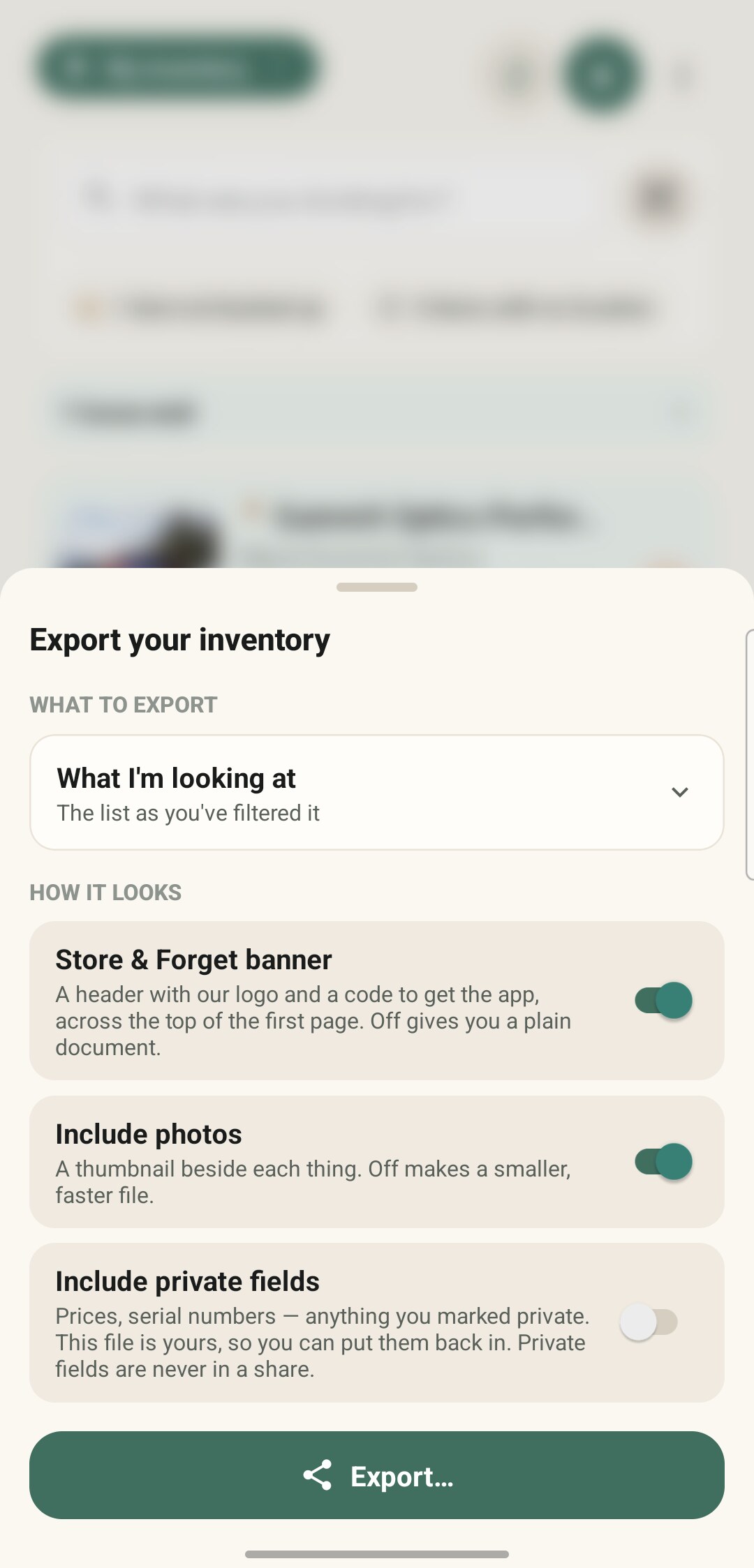
Four scopes: everything, one Area, one Spot with everything under it, or exactly what the Items screen is showing you once you have filtered it.
Anything you marked private (prices, serial numbers) is held back by default, and one switch puts it in. The file is yours, so that switch is yours to flip. Private fields never travel into a shared inventory at all.
A big export is cut into numbered volumes of about 20 MB rather than truncated, and each part carries a README so they merge back into one folder. It is not a backup and not a sync, which is the Drive one. And it makes the document. Filing it with anyone is still your job.
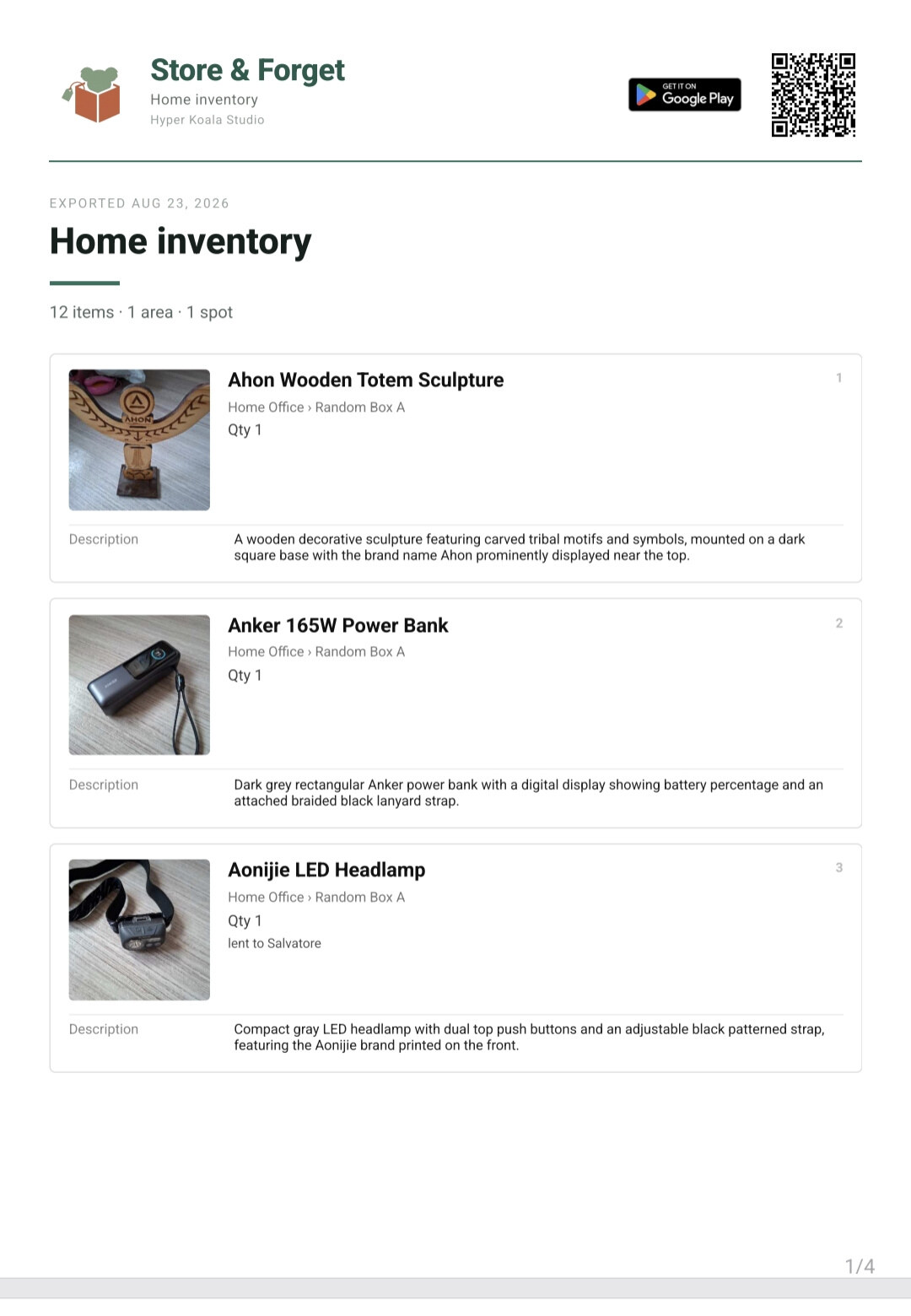
Mark who took it and when it is due, then forget it. The item moves into a Lent out strip so it never reads as missing, and one reminder finds you on the morning it is due. Not a nagging ladder, just the one.
When it is time to chase it, the app writes the message and opens your normal share sheet, so you pick who to send it to and press send yourself.
Due in 7, 14 or 30 days, a custom count, or a day off the calendar.
You type the borrower's name. The app never reads your contacts and never sends anything on its own.
Lend two of the five chairs and keep three at home. A loan knows how many went out.
Swipe to mark it back, and undo if you were too quick.
Share an inventory and the household sees the same Areas, Spots and items you do. Invite someone as a viewer to look, or an editor to help keep it current. Joining is a QR code or a short code.
Items and photos are encrypted end to end. The one honest exception: the inventory's name is stored as plain text, so call it "Garage" rather than anything you would mind us seeing.
Both sides sign in with Google. Sharing is not anonymous.
Run separate inventories for separate people, and pick which Areas each one carries.
A viewer genuinely cannot change anything, including moving items.
Sending photos to the household costs credits, and the app quotes the cost first. As the owner you can set a budget and cover everyone's uploads.
An empty inventory app tells you nothing. So there is a filled one built in: a complete example household you can search, browse and poke around before you catalog a thing of your own. Try Smart Find against it and see how Areas and Spots hang together.
It loads read-only so you cannot break it, and one tap removes it again. About 26 MB to download, which the app tells you first. No account required.
There is a developer console baked into the app. Tap the version number five times in Advanced Settings to open a retro terminal, then run unlock byok. The app walks you through pasting your own free API key for the cloud AI service it uses, and from then on scanning stops spending credits.
No subscription, no daily cap of ours, you are on your own quota. Our little thank-you to the people who like to poke at things.
No. Install it and start cataloguing. Adding items, browsing and keyword search all work with no sign-up at all.
Signing in with Google is optional and unlocks the things that need an identity: cloud backup, sharing, and a larger free allowance for AI scans.
Your inventory is on your device, so adding, browsing, editing and keyword search all work with no connection.
Three features are the exception: Smart Scan, Smart Find and reading a printed detail call a cloud AI service, so those need one. "Local first" describes where your inventory lives, not where the AI runs.
The app is free on Google Play, and everything you do by hand is free forever: adding items, organizing, keyword search, QR labels, lending, prices, expiry dates, attachments, your own fields, and restoring what you deleted.
The AI features run on Koala Credits, because each scan is a real call to a cloud service. You get a few to try before signing in and a larger lifetime allowance once you do. After that you can buy more, earn one by watching an ad, or plug in your own key and stop spending ours.
Load the Sample Inventory: an example household of 7 Areas, 49 Spots and 147 items with photos, in one tap. Search it, browse it, get a feel for how Areas and Spots hang together.
It loads read-only so you cannot break it, and one tap removes it. About 26 MB, which the app warns you about first, and it needs a connection but not an account.
Take a photo and the app writes the name, brand, description, specs and tags. You still choose which Spot it goes in, so it is not zero taps, but it is a great deal fewer than typing it all out.
Two ways, depending on the mess in front of you.
Multi-item Smart Scan: lay several things out, take one photo, and it drafts a row for each. Review the batch, then save. One photo counts as one scan.
Fire & Forget: burst mode. Keep shooting and every photo becomes its own item, named in the background while you work. The photo is saved first and named after, so a failed name never costs you the picture.
Edit any field by hand, any time. Or rescan and let it have another go, which helps when the first photo was dark or the label was turned away.
A rescan is a fresh scan, so it costs one. Editing by hand is always free.
No. The scanner reads our QR Location Labels and share invites, not retail product barcodes, and there is no product database behind it. Smart Scan identifies things from the photo itself.
Printed text, yes, in one narrow way: it reads a price, expiry date, warranty end or serial number off a photo of a tag, plate or receipt. It does not transcribe a manual or import a receipt line by line.
Four levels. An Area is a room, a garage, a storage unit. A Spot inside it is a cabinet, a shelf, a wardrobe. A Sub-spot inside that is a drawer, a tray or a box, and it is optional. Items live in Spots or Sub-spots.
The ladder stops there. One level of Sub-spot, no folders, no unlimited nesting. Nothing you already stored has to move: existing Spots stay as they are until you split one.
Nothing vanishes. The Items screen counts what has no place yet and marks it on the photo, and tapping that count shows you just those, so you can file them in one pass.
That count is one of four things gathered on the Loose ends screen, along with anything still waiting for a name, a loan that has gone past its date, and something that has expired. Every row opens straight to the item so you can fix it.
No, and deliberately so. It is a search you tap when you want it, never something that pops suggestions at you. It needs a connection to run the query.
Deleted items sit in Recently deleted for 30 days and you can restore any of them until then. After that they are gone for good, including the photo file.
Yes. On a tablet, or any phone held in landscape, it opens into a two-pane layout with a side rail instead of stretching the phone screen. Same app, no separate download.
Yes, in three shapes: a summary PDF with one line per thing grouped by place, a detailed PDF with every field and a photo of each item, or an .xlsx spreadsheet that arrives zipped alongside a photos folder mirroring your Areas and Spots.
Export the whole house, one Area, one Spot with everything under it, or just what the Items screen is showing you. Anything you marked private, prices included, is held back unless you tick the switch that puts it in.
The detailed PDF is the one people want for an insurance claim, an estate or a move. To be straight about it: we make the document, you file it, and we cannot promise any particular insurer accepts it. And an export is not a backup, which is a separate thing that goes to your own Drive.
If you turned on backup, sign in on the new phone and your inventory comes back, photos included.
The backup goes to a private folder in your own Google Drive. Your Drive, your account, your storage. It is off until you sign in and switch it on, and you choose how often it runs and whether it waits for Wi-Fi.
No. Your items, locations and photos live in a database on your device, and backup goes to your own Drive rather than to us.
The only content that reaches our side is what a shared inventory needs, and that is end-to-end encrypted apart from the inventory name.
Yes, after your first ten scans. They are cards inside the lists that scroll away with everything else, not a strip pinned over the app.
If you would rather not see them there is a one-time Remove ads unlock. Buying credits does not remove ads, and neither does bringing your own key.
Eighteen: English, Spanish, Italian, German, French, Dutch, Portuguese, Polish, Turkish, Russian, Indonesian, Japanese, Korean, Chinese, Tagalog, Hindi, Vietnamese and Thai. Pick one in Profile or let it follow your phone.
To be straight with you: the translations are machine-produced and reviewed, not native-speaker localized. If something reads oddly in your language, tell us and we will fix it.
Neither. Store & Forget is Android only, and we would rather say so plainly than leave an iOS version implied.
Something we did not cover? Ask us directly.
Free on Google Play, no sign-up to start, and your inventory stays on your phone. Catalog the closet you have been avoiding in an afternoon.
Get it on Google PlayAndroid · 18 languages · Light and dark